

Most people who use Canva regularly have barely scratched the surface of what it can actually do.
The design side? Sorted. Templates, fonts, brand colours: that part's become second nature. But the Canva App Marketplace is where things get genuinely interesting, especially for business owners who want their content to do more than just look good.
The right apps turn Canva from a design tool into something closer to a marketing hub. You can build your content, connect it to your email platform, push it straight to your Shopify store, and run it as a LinkedIn ad, all without leaving your workspace.
These six apps are worth knowing about.
At a Glance
- Carousel Studio: Create scroll-stopping carousel content for social media in under a minute
- LinkedIn Ads: Build LinkedIn ad creatives in Canva and publish them directly to your ads library
- Shopify Connect: Pull your Shopify product catalogue into Canva and push designs straight back to your store
- Design Buddy: Get real-time AI feedback on your designs so everything you publish looks its best
- Klaviyo: Connect your Canva designs to your Klaviyo email and SMS campaigns in a few clicks
- Gen Logo: Generate a professional logo from a simple description, no designer required
1. Carousel Studio
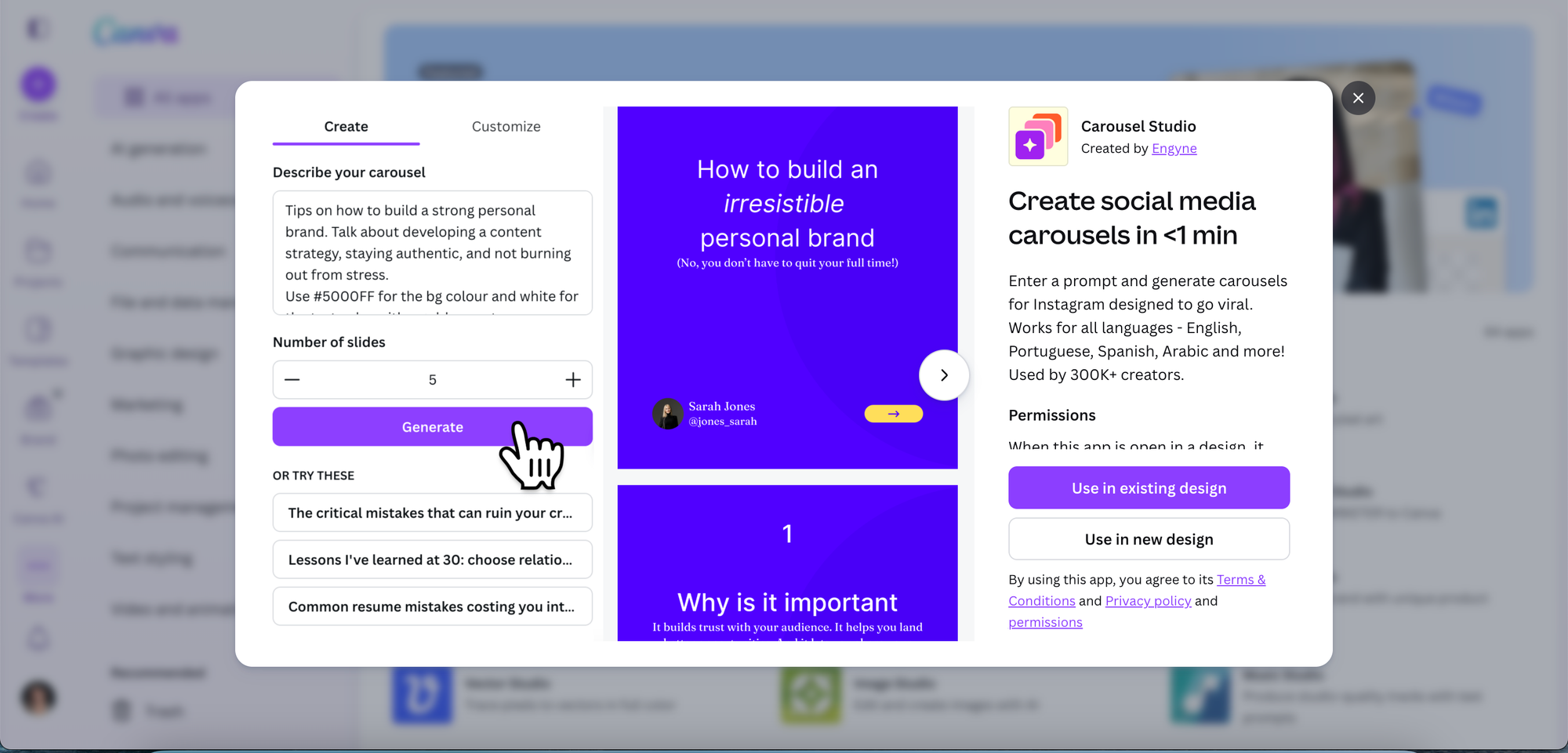
Carousel posts are one of the best-performing content formats on Instagram and LinkedIn right now. They get more saves, more shares, and more swipes than static images, and for business owners building an audience, that engagement compounds over time.
The catch has always been that they take a while to make. Designing slide after slide, keeping the copy tight, making sure the whole thing looks cohesive... it's a lot. Carousel Studio solves exactly that.
It's a third-party app integrated within the Canva App Marketplace, so it works right inside your existing Canva workflow. Type in your topic, choose a tone, set the number of slides, and hit generate. The app produces a polished, ready-to-post carousel with layouts, copy, and design all sorted in one go. Your brand preferences get saved for next time, so each carousel gets faster to produce.
It also supports video carousels for extra engagement, works in 95+ languages, and comes with premium pre-built themes for when you want a professional finish straight out of the box.
Pricing: $16/month, or $10/month on the annual plan
What we like about it: The speed is genuinely hard to beat. From a blank prompt to a fully designed, on-brand carousel in under a minute is a real time-saver for business owners posting consistently. The fact that it lives inside Canva means there's no new tool to learn, and the brand preference saving feature means every carousel you make is faster than the last.
What we don't like about it: It's the only paid app on this list, so there's a cost to weigh up. It also requires Canva to use it, so it won't suit anyone working outside that ecosystem.
Find it: Search "Carousel Studio" in the Canva Apps tab, or install it here
2. LinkedIn Ads
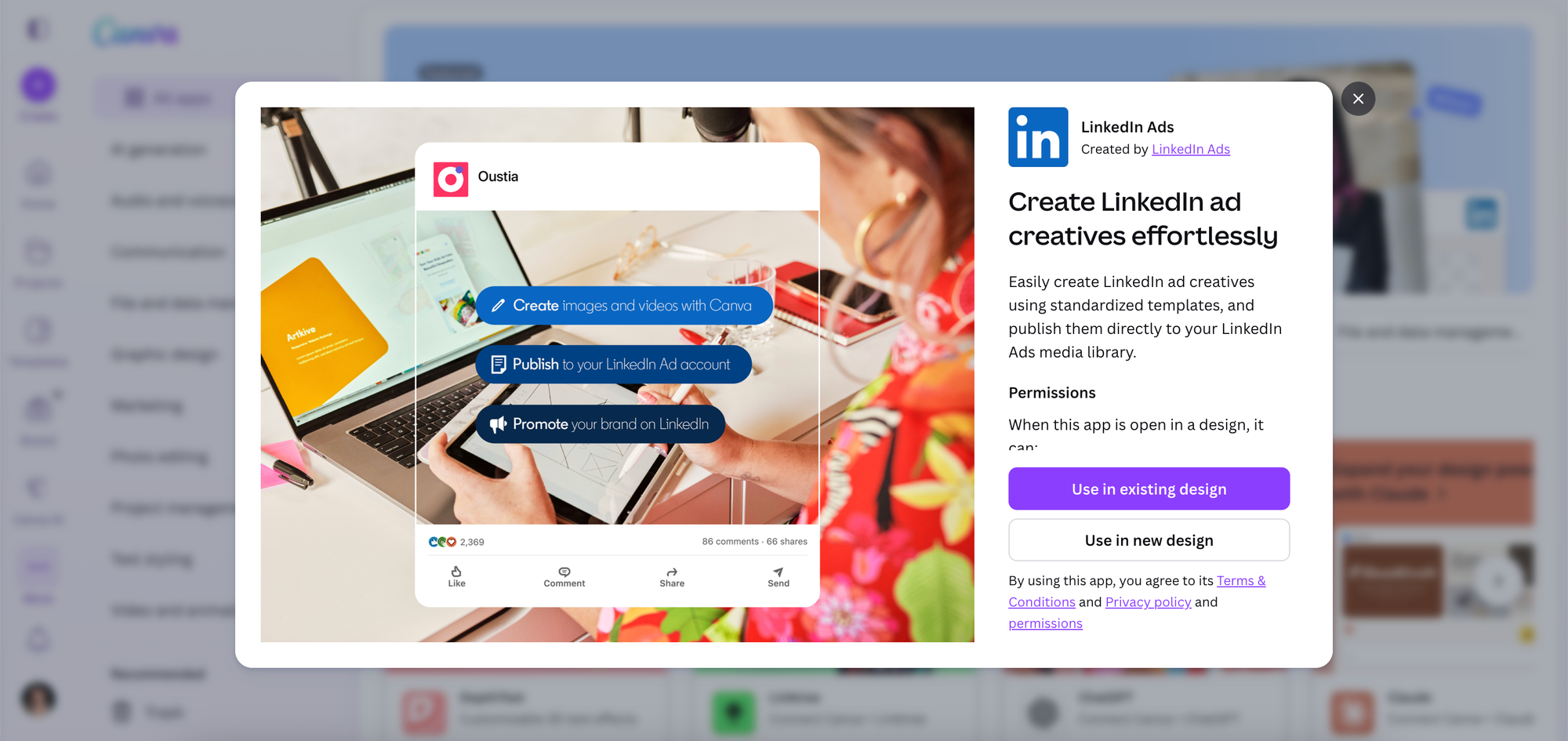
Running paid ads on LinkedIn typically means toggling between platforms, reformatting assets, and hoping everything looks right once it's live. The LinkedIn Ads Canva app cuts that process down considerably.
It gives you access to standardized LinkedIn ad templates built to the right specs, so you're designing with the correct dimensions and formats from the start. Once your creative is ready, you can publish it directly to your LinkedIn Ads media library without downloading, uploading, or switching tabs. For anyone running campaigns regularly, that kind of workflow reduction genuinely adds up.
Pricing: Free
What we like about it: It removes the reformatting step entirely. The templates are already sized correctly for LinkedIn, so what you design is what goes live. Publishing straight to the media library without leaving Canva is a workflow improvement that sounds small but feels significant once you've used it a few times.
What we don't like about it: It's purpose-built for LinkedIn only, so it won't help if your paid strategy spans other platforms like Meta or Google. You'll also need an active LinkedIn Ads account to get any use out of it.
Find it: Search "LinkedIn Ads" in the Canva Apps tab, or find it here
3. Shopify Connect
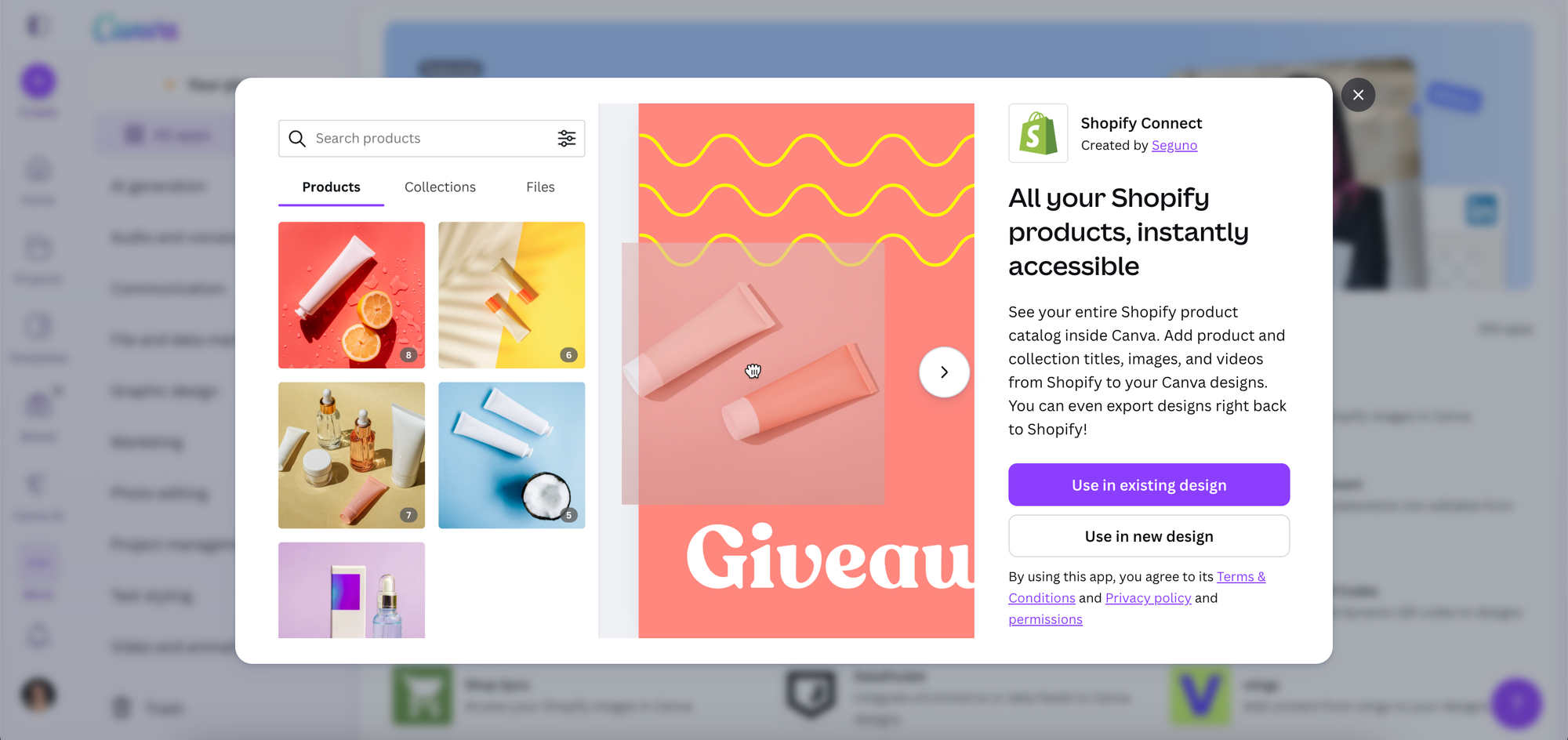
Product content is one of the most time-consuming parts of running an online store. Getting images, titles, and descriptions out of Shopify, into a design tool, and then back again involves a lot of manual steps that slow everything down.
Shopify Connect brings your entire product catalogue directly into Canva. Browse your products, pull in images, titles, and videos, and use them in your designs without downloading a single file. When the design is finished, you can export it straight back to Shopify. It's a seamless loop between your store and your creative workspace, which is particularly useful for product launches, promotional graphics, and social content built around your catalogue.
Pricing: Free
What we like about it: The two-way sync is the real win here. Pulling product assets directly from your Shopify catalogue into a Canva design, then pushing the finished graphic straight back to your store, cuts out several manual steps that most store owners just accept as part of the process. For anyone creating product content regularly, the time savings stack up quickly.
What we don't like about it: It's Shopify-exclusive. WooCommerce, Squarespace Commerce, and other e-commerce platforms aren't supported, so if you're not on Shopify, this one isn't for you.
Find it: Search "Shopify Connect" in the Canva Apps tab, or find it here
4. Design Buddy
Even experienced designers second-guess themselves sometimes. For business owners handling their own visual content without a design background, that uncertainty can be a real confidence drain.
Design Buddy is an AI-powered design reviewer that works inside Canva. It looks at what you've built, flags what could be improved, and walks you through the changes with specific, actionable guidance. Think of it less as a critic and more as a knowledgeable collaborator sitting next to you, pointing out things you might have missed. Over time, the feedback starts to sharpen your own design instincts, which means your content gets better the more you use it.
Pricing: $5/month + tax for the Starter Pack (50 design reviews per month)
What we like about it: The feedback is specific and actionable, not vague. For business owners who've always felt a bit unsure about whether their designs are good enough, having something that actually explains what to improve (and why) is genuinely useful. It's also one of those tools that teaches you as you use it.
What we don't like about it: The 50 review cap per month on the starter plan is worth being aware of, especially for prolific content creators. The AI feedback also can't fully account for your brand's specific aesthetic or audience, so it's best treated as a guide rather than the final word.
Find it: Search "Design Buddy" in the Canva Apps tab, or find it here
5. Klaviyo
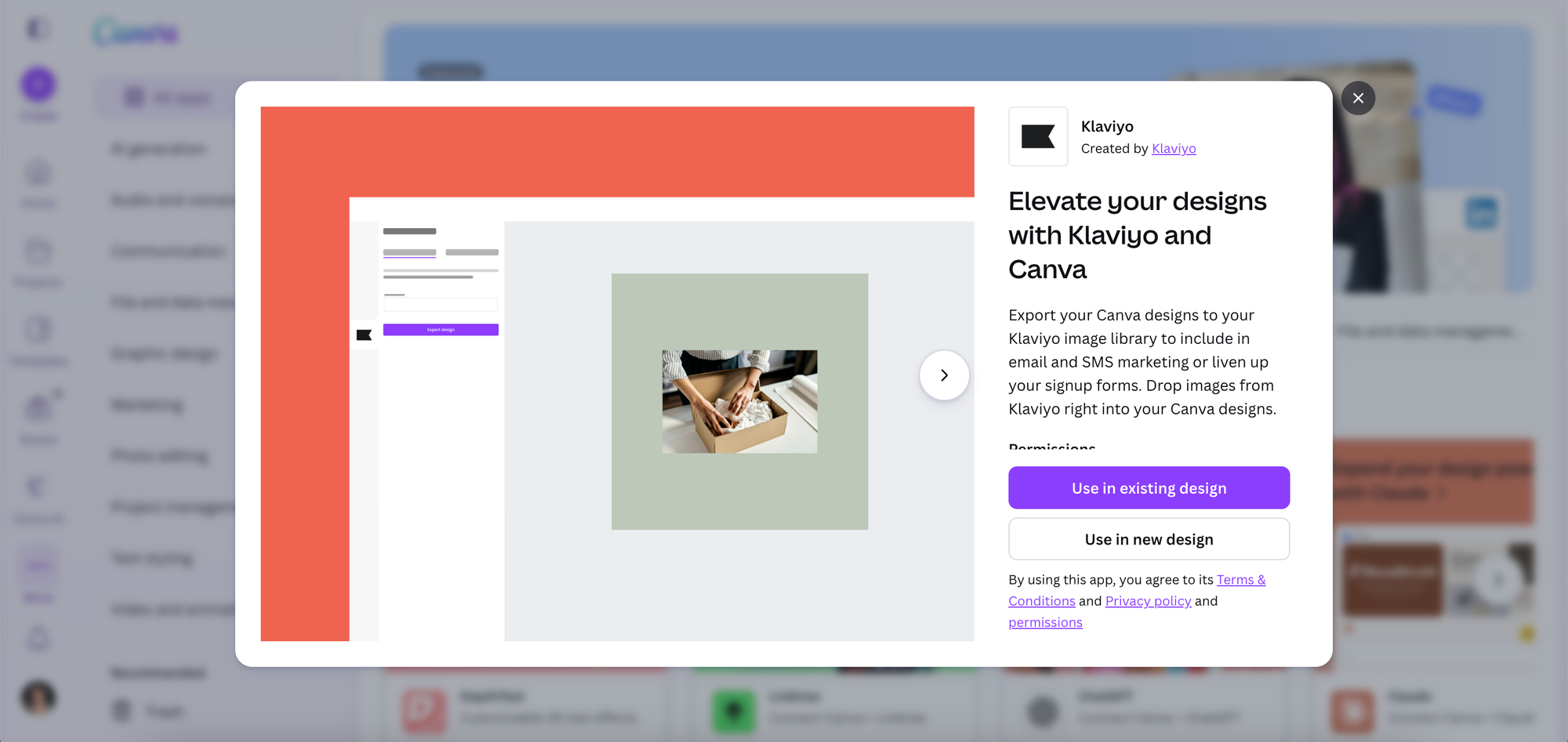
Email and SMS marketing performs best when the visuals match the quality of the copy. For anyone using Klaviyo as their marketing platform, this app makes keeping that standard easy.
The Klaviyo Canva app creates a direct bridge between your two platforms. Design something in Canva and export it straight to your Klaviyo image library, ready to drop into your next campaign, signup form, or SMS message. It works the other way too: you can pull images from your Klaviyo library directly into your Canva workspace when you need them. No downloading, no re-uploading, no version confusion. Your visual assets stay consistent across every channel.
Pricing: Free
What we like about it: The two-way sync keeps everything consistent without any manual file management. Designing in Canva and having those assets immediately available in Klaviyo is exactly the kind of small workflow improvement that saves a surprising amount of time across a busy week.
What we don't like about it: This one is only useful if Klaviyo is already your email and SMS platform. Mailchimp, ActiveCampaign, Flodesk, and other tools aren't supported, so the app's value is entirely dependent on which platform you're already on.
Find it: Search "Klaviyo" in the Canva Apps tab, or find it here
6. Gen Logo
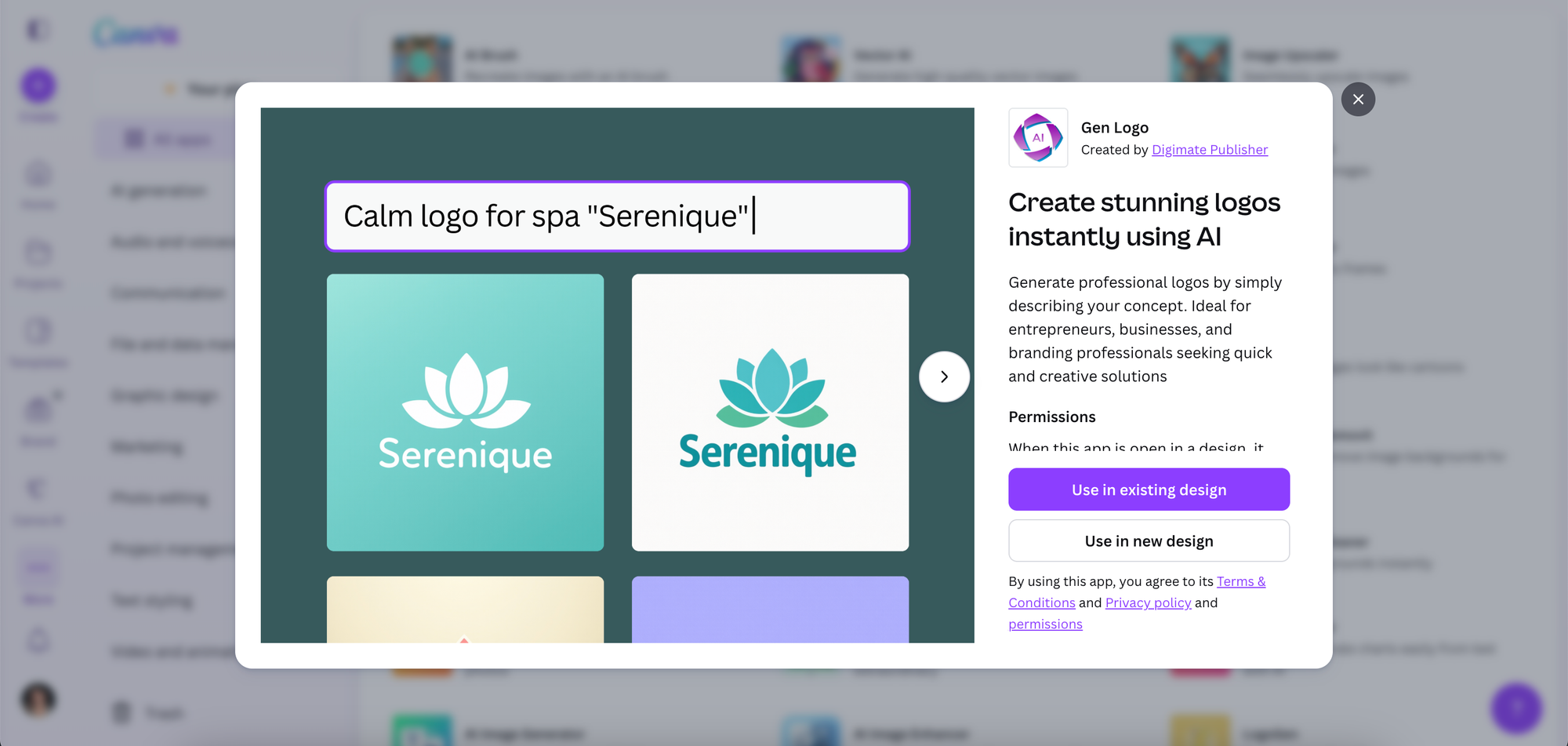
A strong logo is one of those things that makes everything else look more credible. It anchors your brand across your social profiles, your website, your packaging, and anywhere else you show up. Getting a good one made has traditionally meant either hiring a designer or settling for something generic from a free tool.
Gen Logo sits in a different category. Describe what you're going for (the vibe, the industry, any visual direction you have in mind) and it generates professional logo options based on your input. It's built for entrepreneurs and small business owners who need a polished brand mark without the timeline or budget of a full branding project.
Pricing: Free
What we like about it: The barrier to entry is zero, and the output is noticeably more polished than most free logo generators. Being able to describe your concept in plain language and get back something usable is a genuinely good starting point for anyone in the early stages of building a brand.
What we don't like about it: AI-generated logos can start to look similar across different users, so if a truly distinctive brand identity matters to you, you'll want to use whatever Gen Logo produces as a starting point rather than a final answer. For complex or nuanced brand work, a professional designer is still worth the investment.
Find it: Search "Gen Logo" in the Canva Apps tab, or find it here
The Bigger Picture
The Canva App Marketplace doesn't get talked about nearly enough. Most people open Canva, do their design work, and close it again without ever realising that the Apps tab in the sidebar connects their creative workflow to their actual marketing stack.
The six apps above cover a lot of ground: social content, paid ads, email marketing, e-commerce, brand identity, and design quality. Used well, they turn Canva from a design tool into something that actively supports how your business grows.
Start with whichever one solves your most immediate bottleneck. That's usually the one that'll make the biggest difference fastest.
Frequently Asked Questions
Are these Canva apps free to use?
Most of them are. LinkedIn Ads, Shopify Connect, Klaviyo, and Gen Logo are all completely free. Design Buddy has a Starter Pack at $5/month + tax for 50 design reviews per month. Carousel Studio is the only fully paid app on the list, at $16/month or $10/month on an annual plan.
Do I need Canva Pro to access the App Marketplace?
No. The Canva App Marketplace is available to all Canva users, including those on the free plan. You can install and use third-party apps regardless of which Canva plan you're on.
How do I find and install apps in Canva?
Open any design in Canva, click the Apps tab in the left sidebar, and search for the app by name. Click to install and it'll be available in your sidebar from that point on. Most apps are up and running within seconds.
Which of these apps is best for social media marketing?
Carousel Studio is the strongest pick for social media specifically. It's built to produce high-performing carousel content for Instagram and LinkedIn, which are two of the most valuable platforms for business owners building an audience. The results are polished, on-brand, and ready to post in under a minute.
Can I use multiple apps together in the same Canva workflow?
Yes, and that's really where the value stacks up. You could use Carousel Studio to create your content, Design Buddy to review it before publishing, and then Klaviyo to pull the finished asset into your next email campaign, all without leaving Canva.