

There's no shortage of AI tools right now. Most of them promise to save you hours. Some of them actually do. The challenge is figuring out which ones are genuinely useful versus which ones are clever demos that fall apart the moment you try to use them for real work.
The Canva App Marketplace has a growing collection of AI-powered tools, and the quality varies considerably. The six apps below made this list because they solve real problems that business owners, creators, coaches, and entrepreneurs run into regularly, and because the output is actually good enough to use.
At a Glance
- Carousel Studio: Generate polished carousel posts from a single prompt in under a minute
- AI Voice Hub: Convert text to speech, speech to text, and generate sound effects with 1,900+ voice options
- Gen Logo: Describe your brand concept in plain language and get a professional AI-generated logo in seconds
- Pitch Deck: Create professional, investor-ready pitch decks with AI-generated slides
- easyebook: Turn your ideas into publishable ebooks and digital products in minutes
- Claude: Work with an AI assistant directly inside Canva to generate, edit, and refine your content
1. Carousel Studio
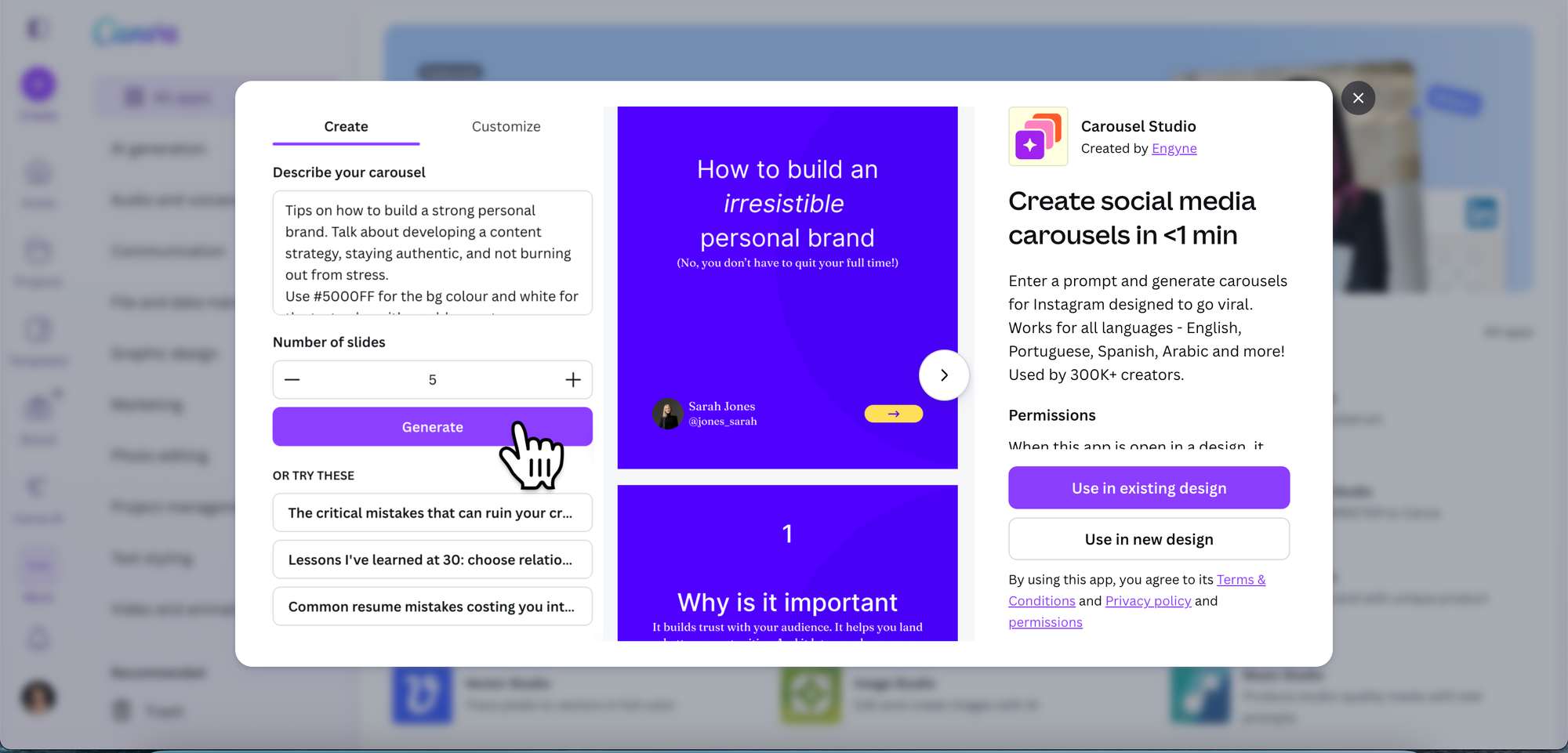
Carousels are consistently the highest-engagement format on Instagram and LinkedIn, and Carousel Studio is the fastest way to make them. It's a third-party app in the Canva App Marketplace that generates a fully designed, multi-slide carousel from a single text prompt, inside your existing Canva workflow.
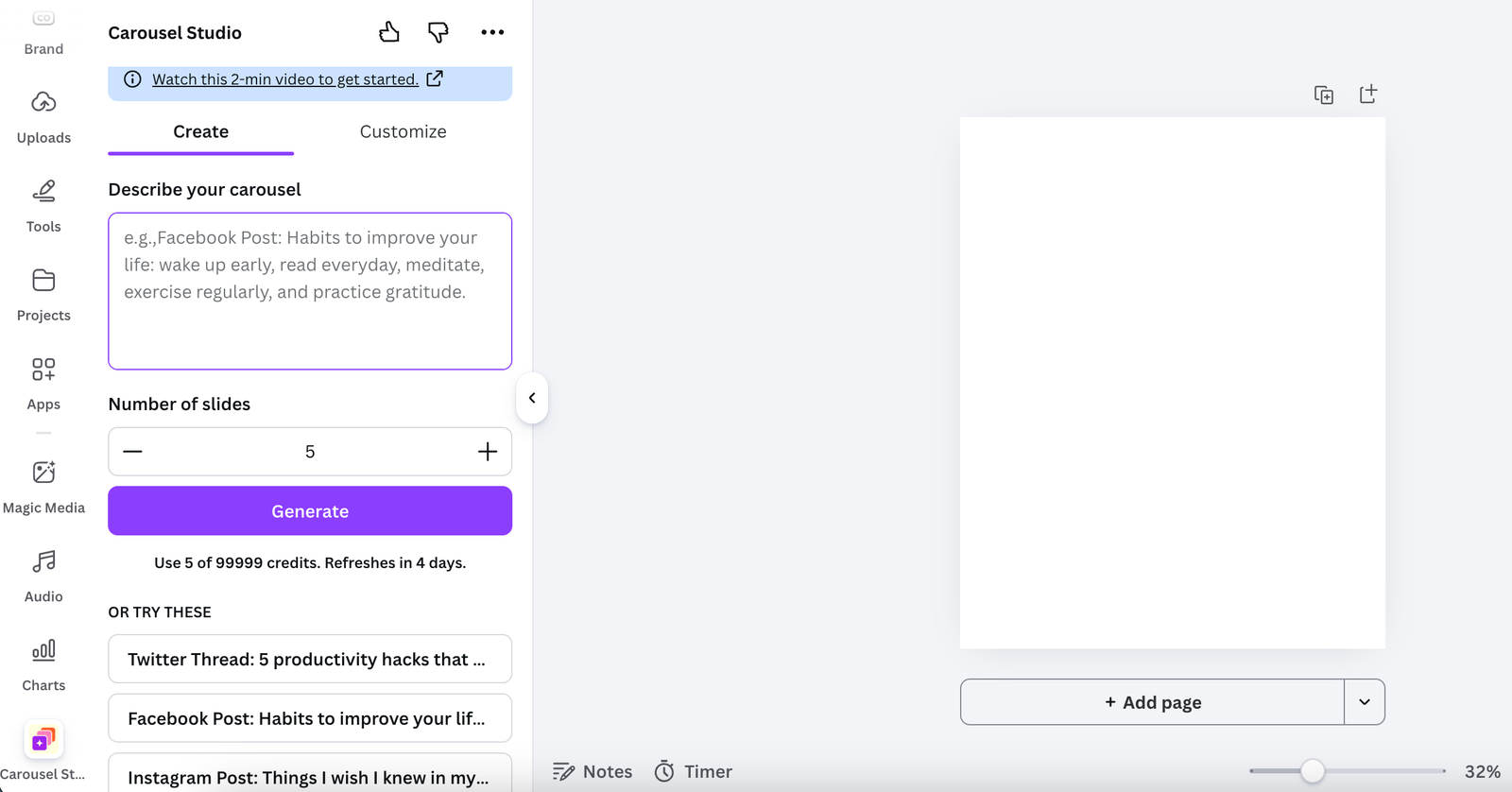
Type in your topic, choose a tone, set how many slides you want, and hit generate. The app handles the layout, copy, and design in one go. Your brand colours and fonts get saved for future carousels, which means each one you make takes less time than the last. It also supports video carousels, works in 95+ languages, and comes with premium themes for when you want a polished result from the start.
Pricing: $16/month, or $10/month on the annual plan
What we like about it: It genuinely removes the main barrier to posting carousels consistently, which is the time it takes to produce them. The output looks professional without needing any design input beyond a text prompt. For anyone building an audience on social media, this is one of the highest-ROI tools in the Canva Marketplace.
What we don't like about it: It's the only paid app on this list, so the cost is worth factoring in. It also requires Canva, so it won't suit anyone working outside that ecosystem.
Find it: Search "Carousel Studio" in the Canva Apps tab, or install it here
2. AI Voice Hub
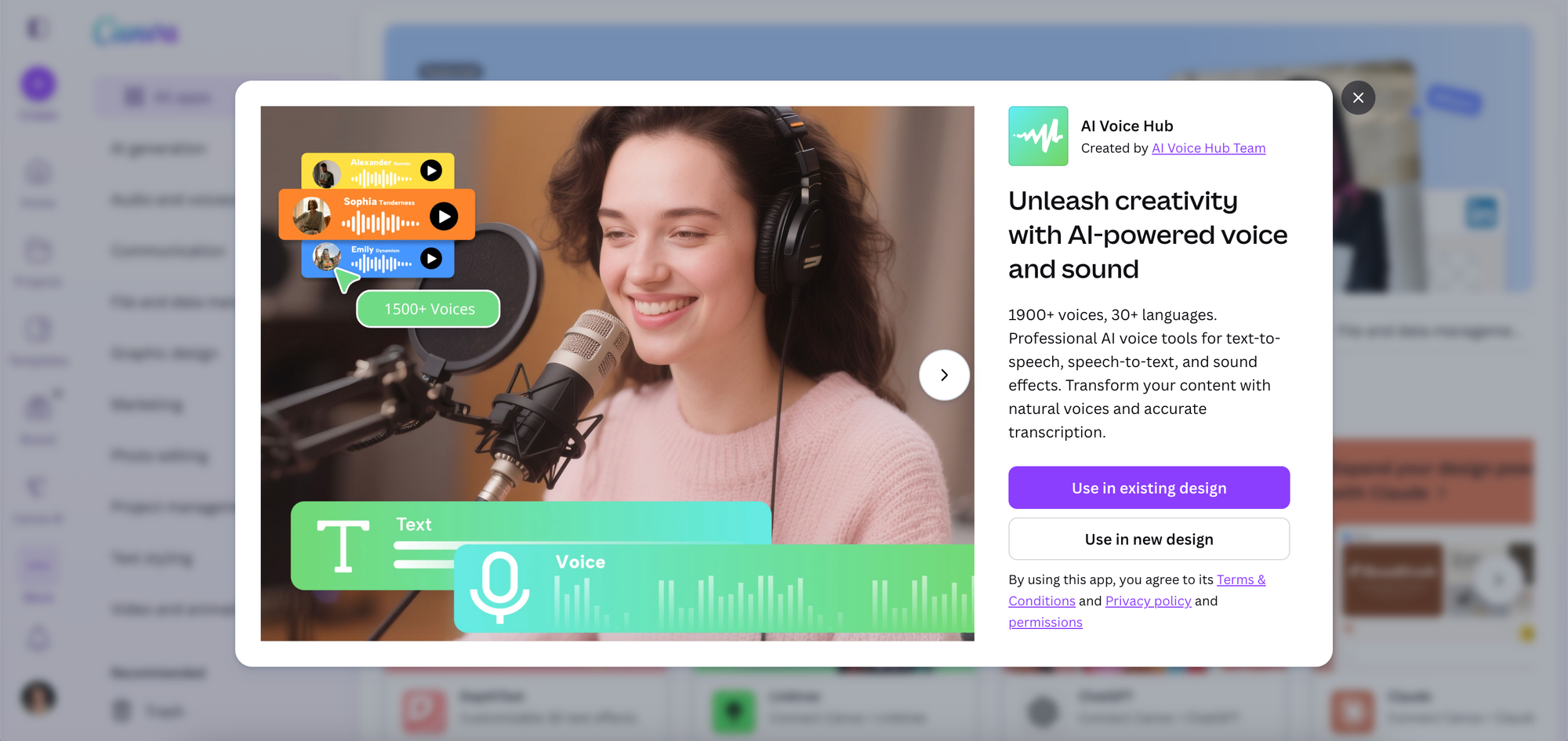
Whether you're producing video content, creating courses, building a podcast intro, or just want to add narration to a presentation without recording your own voice, AI Voice Hub gives you a lot to work with.
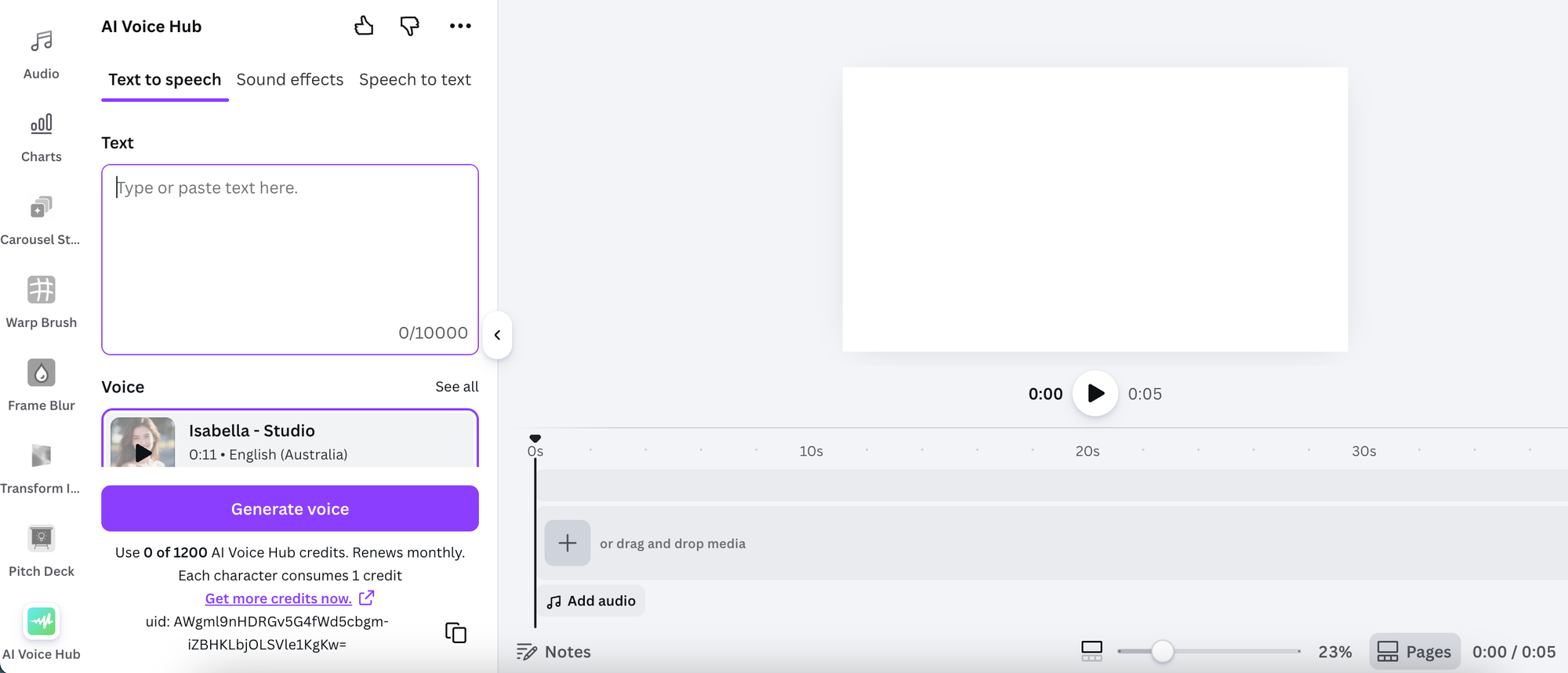
The app offers over 1,900 AI voices across 30+ languages and includes three core tools: text-to-speech (type something and get a realistic audio output), speech-to-text (upload audio and get an accurate transcription), and sound effects generation. All of it lives inside Canva, so there's no need to bounce between a separate audio tool and your design workflow.
For content creators repurposing written content into video, coaches producing course material, or anyone creating multilingual content, the range of voices and languages makes this a genuinely versatile addition to the toolkit.
Pricing: Free to use with limited character counts, voice selection, and access to third party integrations. Pricing options start from $10.99/month.
What we like about it: The sheer range is impressive. Having text-to-speech, speech-to-text, and sound effects all in one app (inside Canva) covers a lot of use cases without needing multiple subscriptions. The multilingual support is particularly useful for creators with an international audience.
What we don't like about it: 1,900+ voices is both the appeal and the challenge. Finding the right voice for your content takes time upfront, and quality can vary across the library. It's worth treating your first session as an exploration rather than expecting to get the perfect voice on the first try.
Find it: Search "AI Voice Hub" in the Canva Apps tab, or find it here
3. Gen Logo
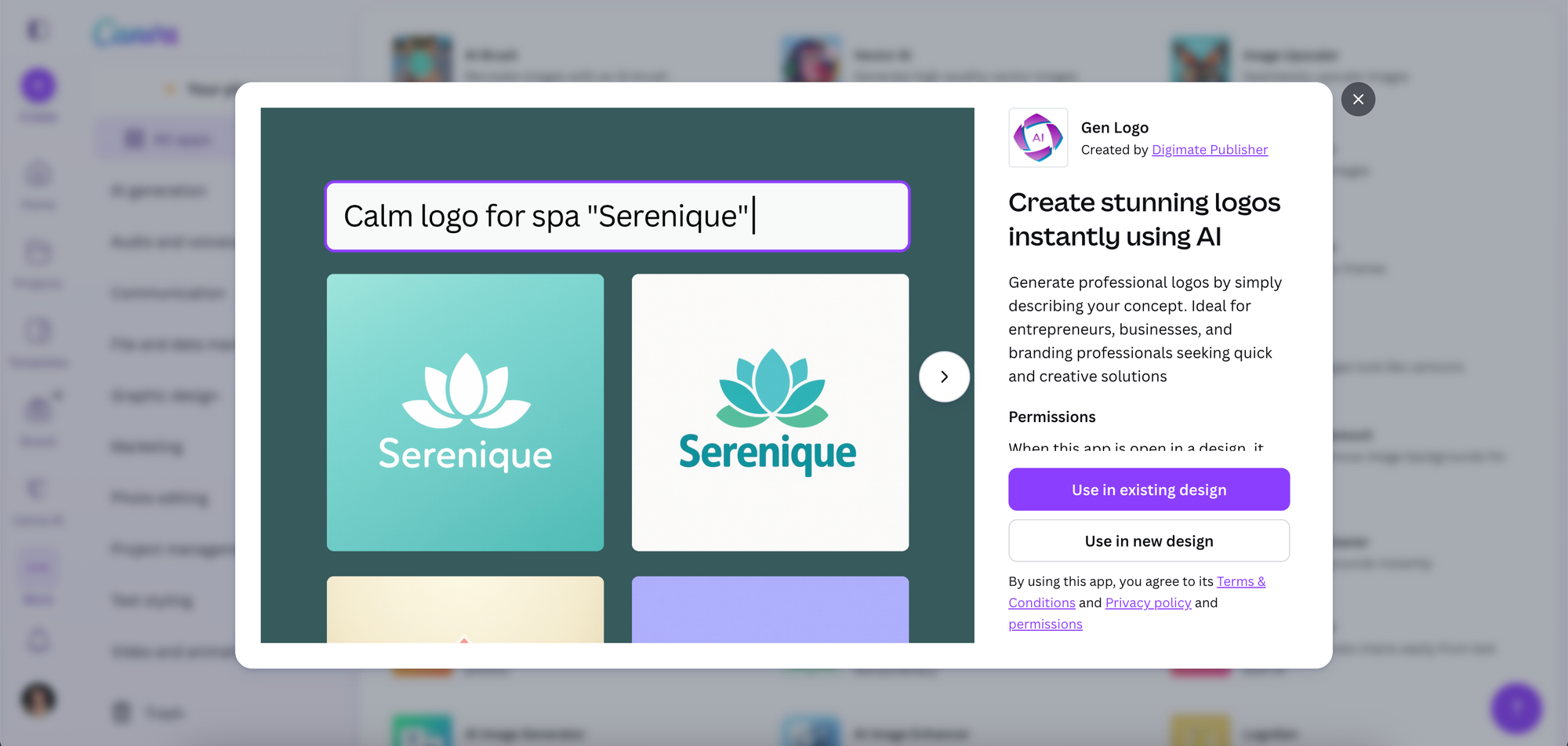
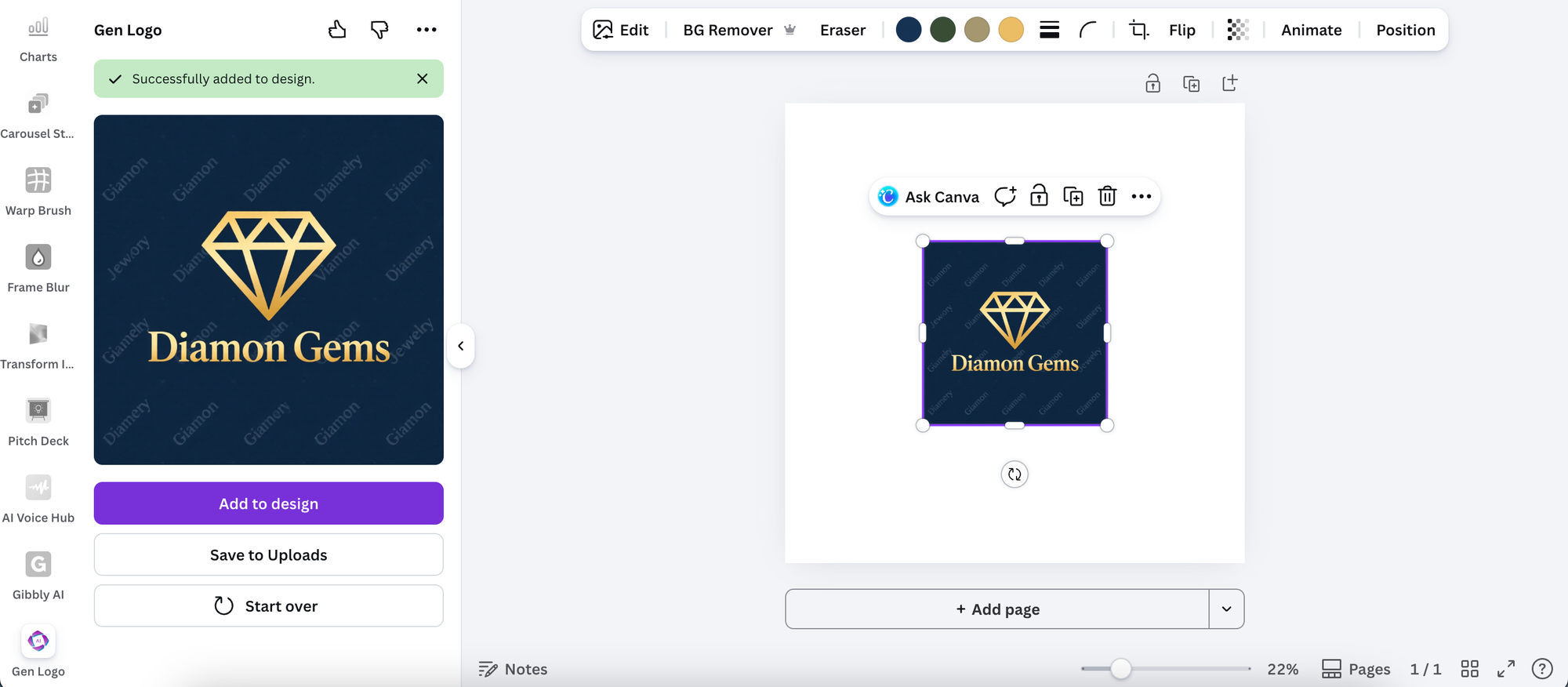
Describe your brand concept in plain language, and Gen Logo generates a professional logo to match. Type in your industry, the feeling you're going for, the style direction you have in mind, and the app returns logo options you can take straight into Canva to refine and use.
For early-stage founders who need a visual identity before they can really move on anything else, side project creators who want something that looks polished without a design budget, or business owners who want to explore directions before briefing a designer, it removes a genuine bottleneck. Going from a text description to a usable logo in seconds is a different category of fast compared to opening a blank canvas and starting from scratch.
Pricing: 5 free credits refreshed daily
What we like about it: The speed is the main draw. It's also a useful tool for exploring brand directions before committing to anything, so you can show rather than describe what you're going for. Within a Canva workflow, the output is right there and ready to build on.
What we don't like about it: AI-generated logos work best as a starting point rather than a finished product. For a personal brand or business where standing out matters, you'll want to customise the output rather than use it exactly as generated. The more generic your brief, the more generic the result.
Find it: Search "Gen Logo" in the Canva Apps tab, or find it here
4. Pitch Deck
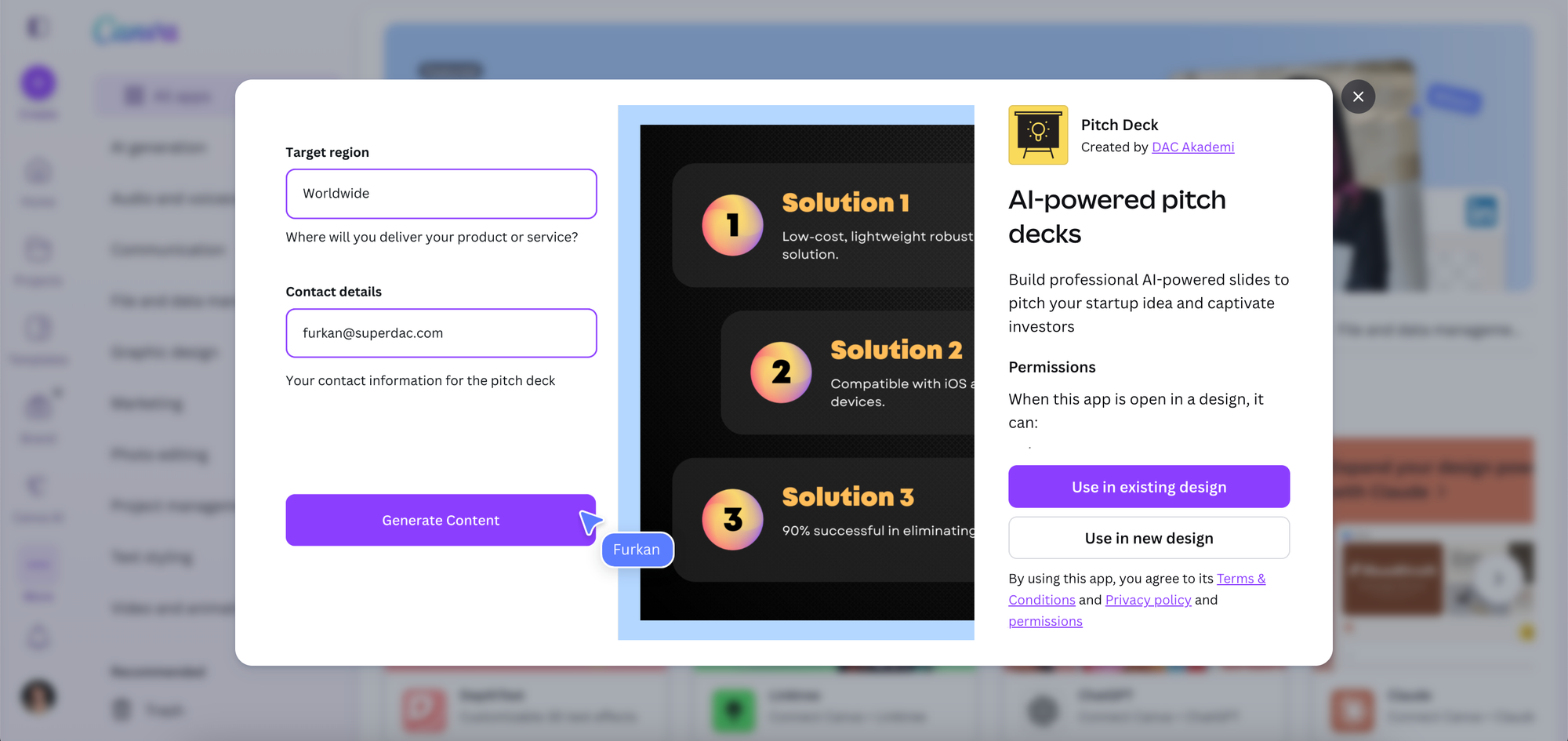
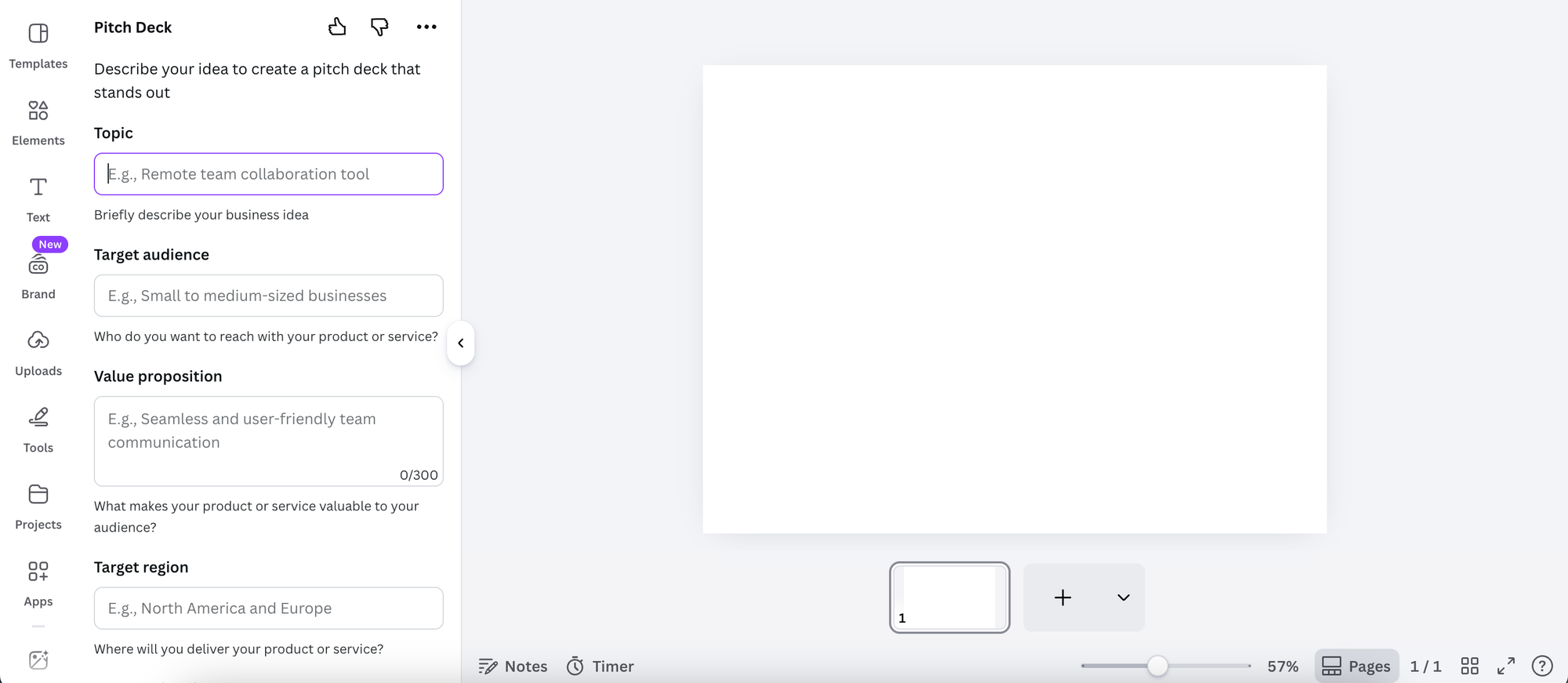
Putting together a pitch deck is one of those tasks that sits at the intersection of strategy and design, which makes it time-consuming even for people who are good at both. Pitch Deck streamlines the process by using AI to generate professional, structured slides from your startup concept or business idea.
Describe what you're building, and the app generates a full deck with the standard sections investors expect: the problem, the solution, the market opportunity, the business model, the team, and the ask. From there you customise the content, data, and visuals to match your specific pitch within Canva's design environment.
Pricing: It's free to use
What we like about it: It gives you a solid structural starting point, which is often the hardest part of building a pitch deck from scratch. For early-stage founders who know their business but aren't sure how to frame it for investors, having AI generate the bones of the story is a genuinely useful shortcut.
What we don't like about it: The more specific and nuanced your pitch, the more editing the output will need. AI can nail the structure but it can't replicate the depth of insight that comes from knowing your market and your numbers inside out. Think of it as a first draft, not a finished product.
Find it: Search "Pitch Deck" in the Canva Apps tab, or find it here
5. easyebook
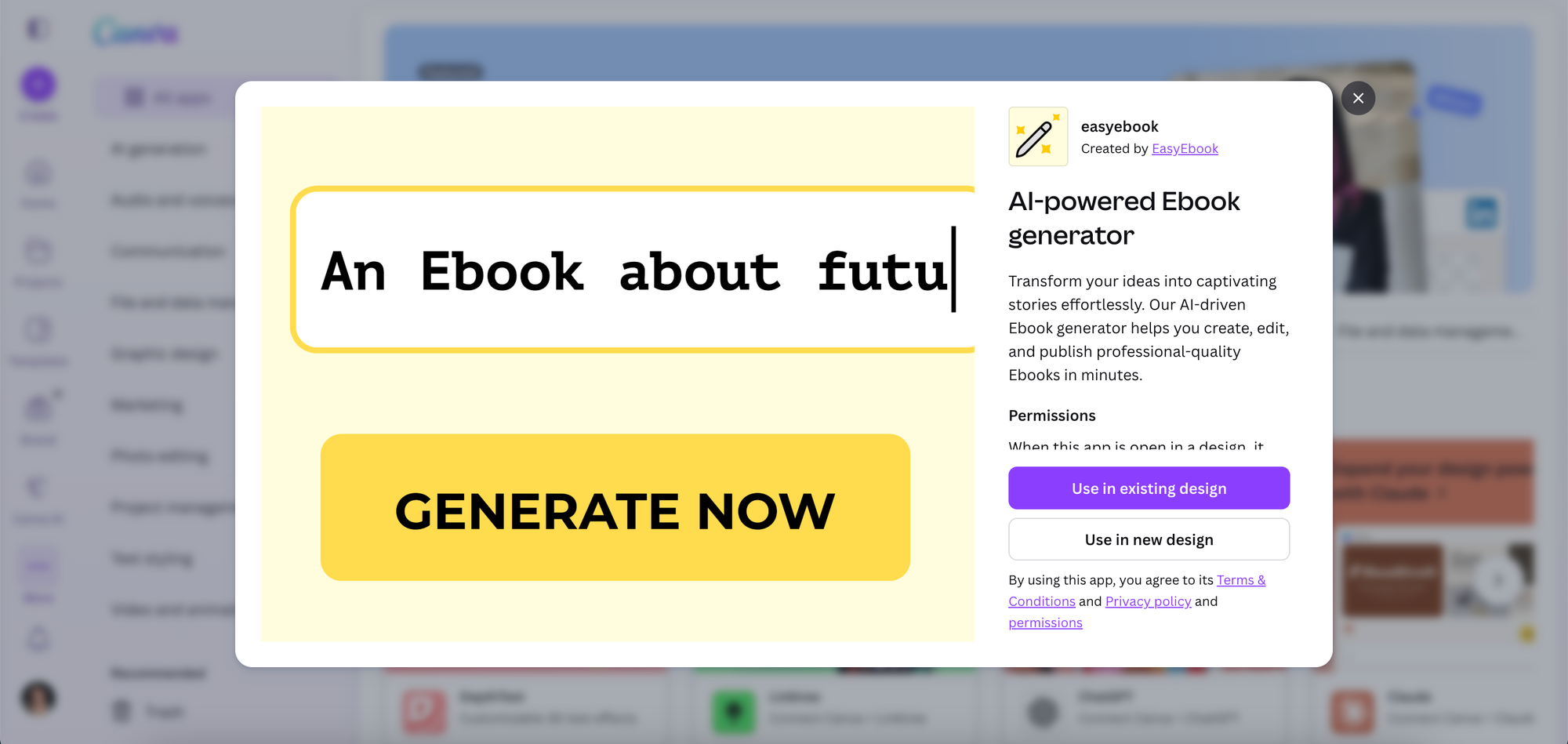
Ebooks are one of the most effective lead magnets a business owner can offer. They're perceived as high value, they can be produced once and distributed indefinitely, and they position you as an authority on whatever topic you write about. The barrier has always been the time it takes to write and format one properly.
The easyebook app in Canva brings that barrier down significantly. Describe your topic or drop in your ideas, and the app generates a structured, formatted ebook ready for editing and publishing. The output is designed to look professional from the start, which means less time fiddling with layouts and more time refining the content.
For coaches turning their frameworks into lead magnets, consultants packaging their expertise into a downloadable resource, or course creators building out their content ecosystem, this is worth a look.
Pricing: Free templates and customization tools. Some advanced templates, stock photos, or elements may be labeled "Pro," which require a paid Canva Pro subscription.
What we like about it: The speed from idea to formatted draft is genuinely useful. For business owners who have the knowledge but keep putting off creating a lead magnet because of the production effort, this removes the main excuse.
What we don't like about it: AI-generated long-form content needs thorough editing before it goes out under your name. The structure and layout will be solid, but the voice, the specificity, and the accuracy of the content need to be yours. Budget time for a proper review pass rather than treating the first output as final.
Find it: Search "easyebook" in the Canva Apps tab, or find it here
6. Claude
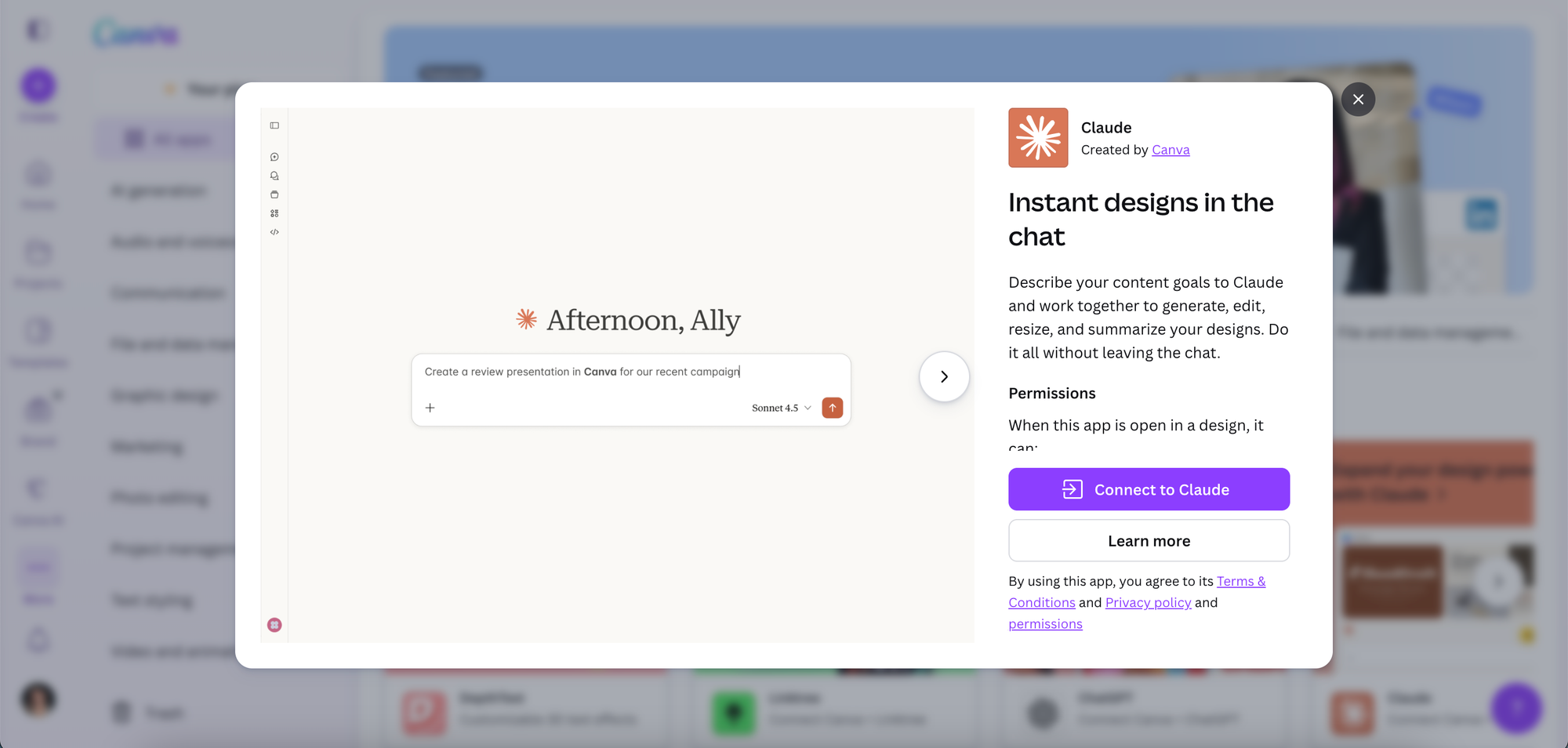
You're probably familiar with this one. Claude is an AI assistant made by Anthropic, and Claude's Canva app brings that conversational capability directly into your design workflow. Describe what you're trying to create, and Claude works with you to generate copy, edit existing text, resize content for different formats, and summarise designs, all without switching tabs or leaving Canva.
Where this app stands apart from more specialised tools is in its flexibility. Rather than doing one specific thing, it acts as a thinking partner for your content. You can ask it to write a caption for a slide, sharpen a headline, suggest alternative angles for a post, or help you adapt a piece of content for a different audience. It's the kind of conversational, iterative support that used to require a human editor or copywriter in the loop.
Pricing: The app is free to use, but free users may face stricter usage limits (number of messages/designs per day) compared to paid subscribers.
What we like about it: The flexibility is the main draw. Most AI tools in the Marketplace do one thing. Claude does whatever you ask it to, which makes it useful at different stages of the creative process rather than only at one. For business owners who want a capable thinking partner inside their design tool, it earns its place.
What we don't like about it: Getting the best results requires knowing how to give clear, specific direction. Vague prompts produce vague outputs. The more context you give Claude about your audience, your tone, and what you're actually trying to achieve, the better the output becomes. There's a small learning curve in learning how to work with it well.
Find it: Search "Claude" in the Canva Apps tab, or find it here
The Common Thread
What all six of these apps share is that they tackle the production side of running a content-driven business. Writing, designing, recording, building presentations, creating lead magnets: these are all things that take time away from the actual work of serving clients and growing a business.
AI doesn't replace the strategy, the expertise, or the authentic voice that makes content worth consuming. What it does do, when it's working well, is take the heavy lifting out of getting from idea to finished asset. That's where these tools earn their place.
Frequently Asked Questions
Do I need Canva Pro to use AI apps in the Canva Marketplace?
No. The Canva App Marketplace is available to all Canva users, including those on the free plan. Individual apps may have their own pricing structures, but you don't need a Canva Pro subscription to access or install them.
Are AI-generated designs and content safe to publish?
Generally yes, with the usual caveat that anything AI-generated should be reviewed before it goes out. Check for accuracy, make sure the tone matches your brand, and personalise the output so it actually sounds like you. AI produces a starting point, not a finished product.
Which of these apps is best for coaches and course creators?
Gibbly AI is built specifically for educational content creation and is the most directly relevant for coaches and course creators. Carousel Studio is also a strong pick for turning frameworks and lessons into high-performing social content. easyebook is worth exploring for anyone looking to package their expertise into a downloadable resource.
Can I use multiple AI apps in the same Canva design?
Yes. You can have multiple apps installed and switch between them within the same design. Using Carousel Studio to generate the structure of a carousel and then using Claude to sharpen the copy on individual slides is a practical example of how they can complement each other.
How do these apps handle my data and content?
Each app has its own privacy policy and data handling practices. It's worth reviewing the terms for any app you plan to use with sensitive or proprietary content, particularly for apps that process documents or audio. You can typically find these details on the app's listing page in the Canva Marketplace.